Under the porch: the tech, and how to run your own

@wintaru · Sep 26, 2026 · 5 min read
Part three of the series. Part one covered what Porchlight is, and part two covered how it was built. This one is about what it runs on, and how you can run your own copy.
All of the code is free at github.com/Wintaru/porchlight. You can use it, change it, and host it yourself.
What it runs on
You do not need to know any of these to use the site. If you are curious, or you want to run your own:
- Next.js and React build the website itself.
- Supabase holds the database, handles sign-in, and stores uploaded images.
- Tiptap powers the editor.
- Vercel hosts this copy of the site, and Resend sends the sign-in emails.
To sign in, you use your Google account or get a one-time link by email. There are no passwords to remember or to leak.
Your posts are saved as plain text
Behind the scenes, every post is saved as markdown, a simple way of writing formatted text that any computer can open. When you download your posts, you get files you can read in any text editor, forever. Your writing is never locked inside one program, including this one.
Built to be easy to work on
I wanted the code to be easy for other people to read and change. Every action on the site, such as "publish this post" or "erase this account," has its own small, clearly named piece of code. If you want to know what happens when someone publishes, there is one place that tells you. The code is also split into layers, and an automatic check stops anyone from mixing them up by accident.
The rules about who can see what are built into the database itself, not only into the website. Those rules have their own tests, so if someone breaks one, the tests catch it before it goes live.
You can try it without signing up for anything
Porchlight uses a few outside services: image-safety checks, a spam check, email, and file storage. Every one of them has a stand-in version for testing. You can run the whole site on your own computer without creating a single account anywhere. You can even tell the stand-in safety check to pretend it found something, to see what moderators would see.
If you are comfortable with a terminal, these are the steps. You need Node, pnpm, supabase, and Docker installed:
pnpm install
cp .env.example apps/web/.env.local
supabase start
supabase db reset
pnpm dev
That gives you a working copy with four made-up members: an owner, a moderator, a trusted member, and a new member. The screenshots in this series came from exactly that.
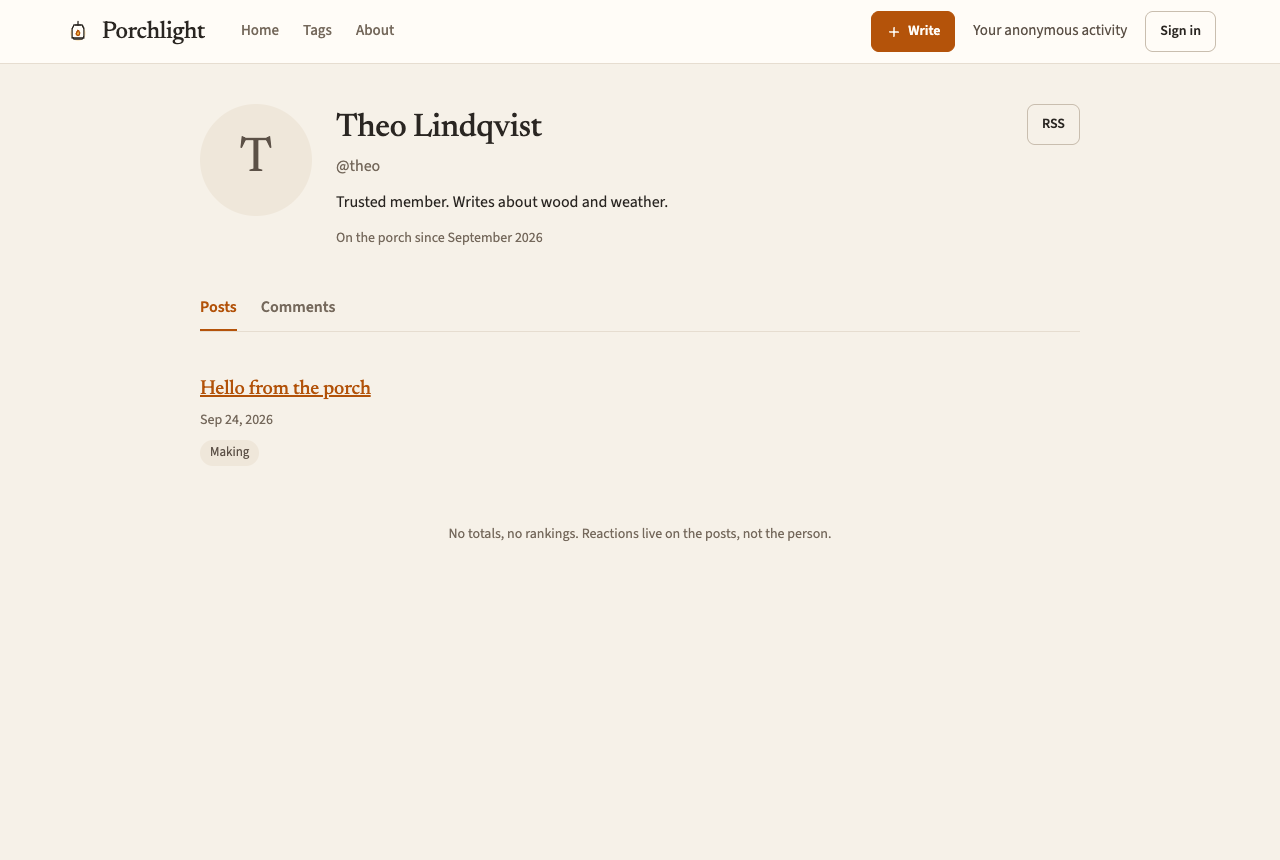
A member's page on a local test copy.
Tested in a real browser
Every screen and every important action has an automated test: posting, commenting, approving, erasing an account, claiming an anonymous post, and reporting. The tests open a real browser and click through the site like a person would. They run every time the code changes. Nothing goes live on this site until they all pass.
Running your own
If you want your own Porchlight, the repo has a step-by-step guide that takes you from empty accounts to a running site. There is a separate short guide for each outside service. Each one says what the service is for, how to sign up, what to paste where, and what happens if you skip it for now.
You can launch with some of the stand-ins still in place. The settings page will not let you forget it: every service still on its stand-in shows up in red.
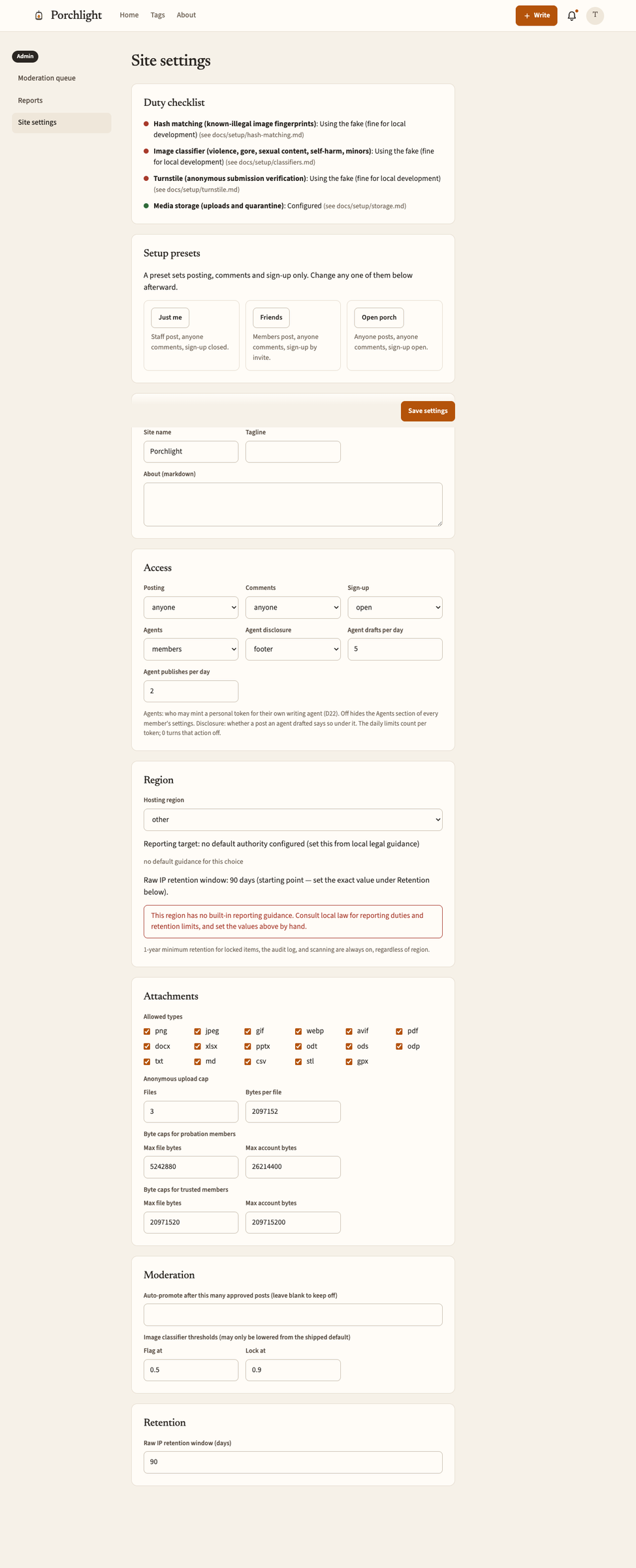
The site settings. The checklist at the top shows a red dot for every safety service that is not connected yet.
Anywhere in the world
I wanted anyone to be able to take this and run their own, so it cannot assume American law. When you set up a site, you pick where you are: the US, the EU, the UK, Canada, Australia, or somewhere else. That choice fills in where to report illegal content, how fast you are expected to respond, and how long certain records are kept. "Somewhere else" uses the most careful settings and tells you plainly to check your local law. None of this is legal advice. It is a starting point that makes sure you think about it.
A few things are the same everywhere: safety checks are always on, serious evidence is kept for at least a year, and every moderator action is logged.
What is coming
Next on the list: video, email notifications, blocking and muting other members, search, edit history for posts, and following the writers and tags you like. Connecting to Mastodon is not planned right now, but the tag feeds already make one-way sharing possible if people want it.
If you want to help, or you find a bug, open an issue on GitHub.
Drafted with an assistant, edited by @wintaru
0 comments