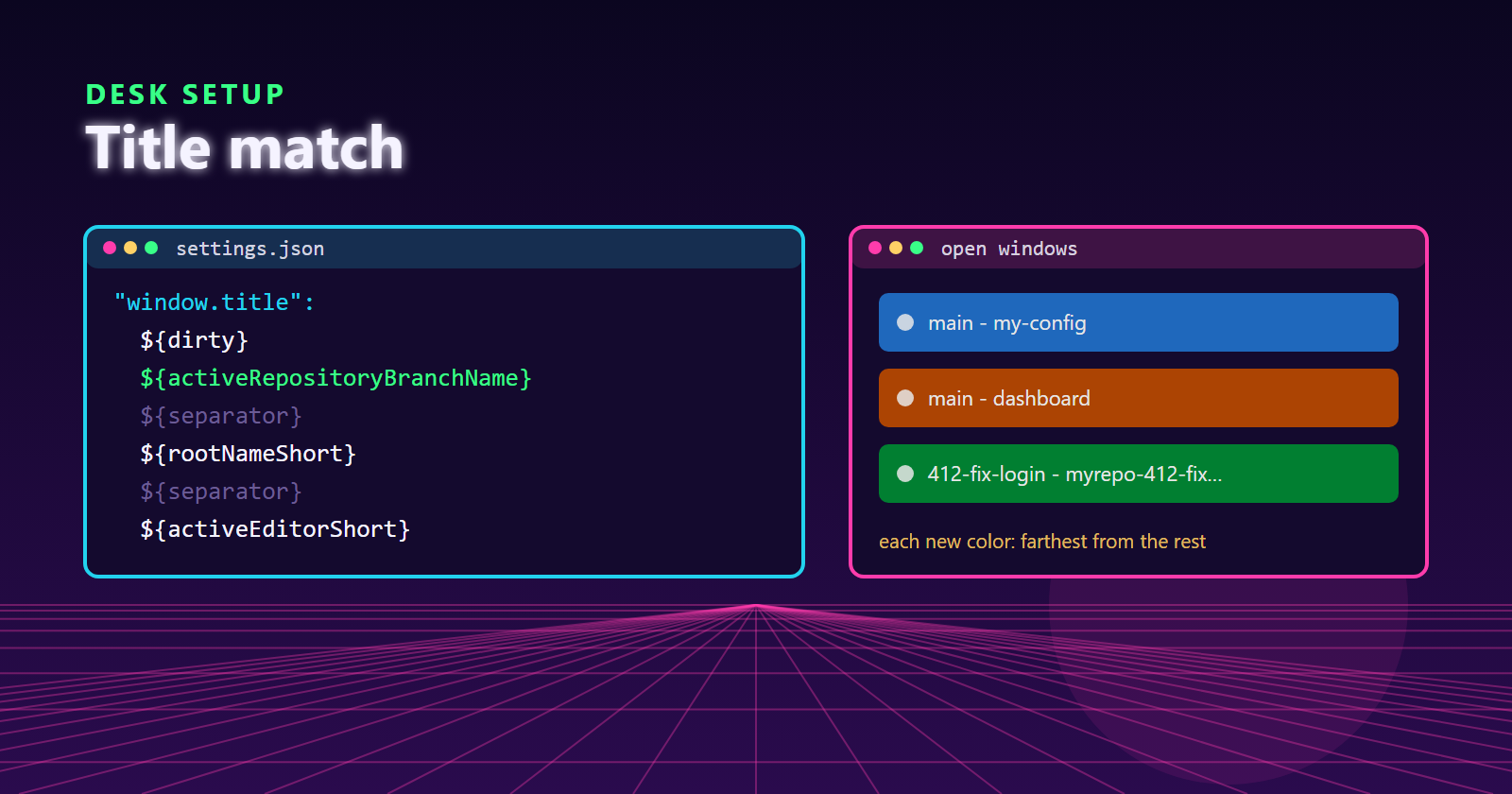

Title match: telling a pile of VS Code windows apart
Putting the git branch first in the VS Code window title, and a script that gives every checkout a title bar color as different as possible from the rest.
The light is on. Come sit a while.
Newest first · no votes, no rankings
Putting the git branch first in the VS Code window title, and a script that gives every checkout a title bar color as different as possible from the rest.
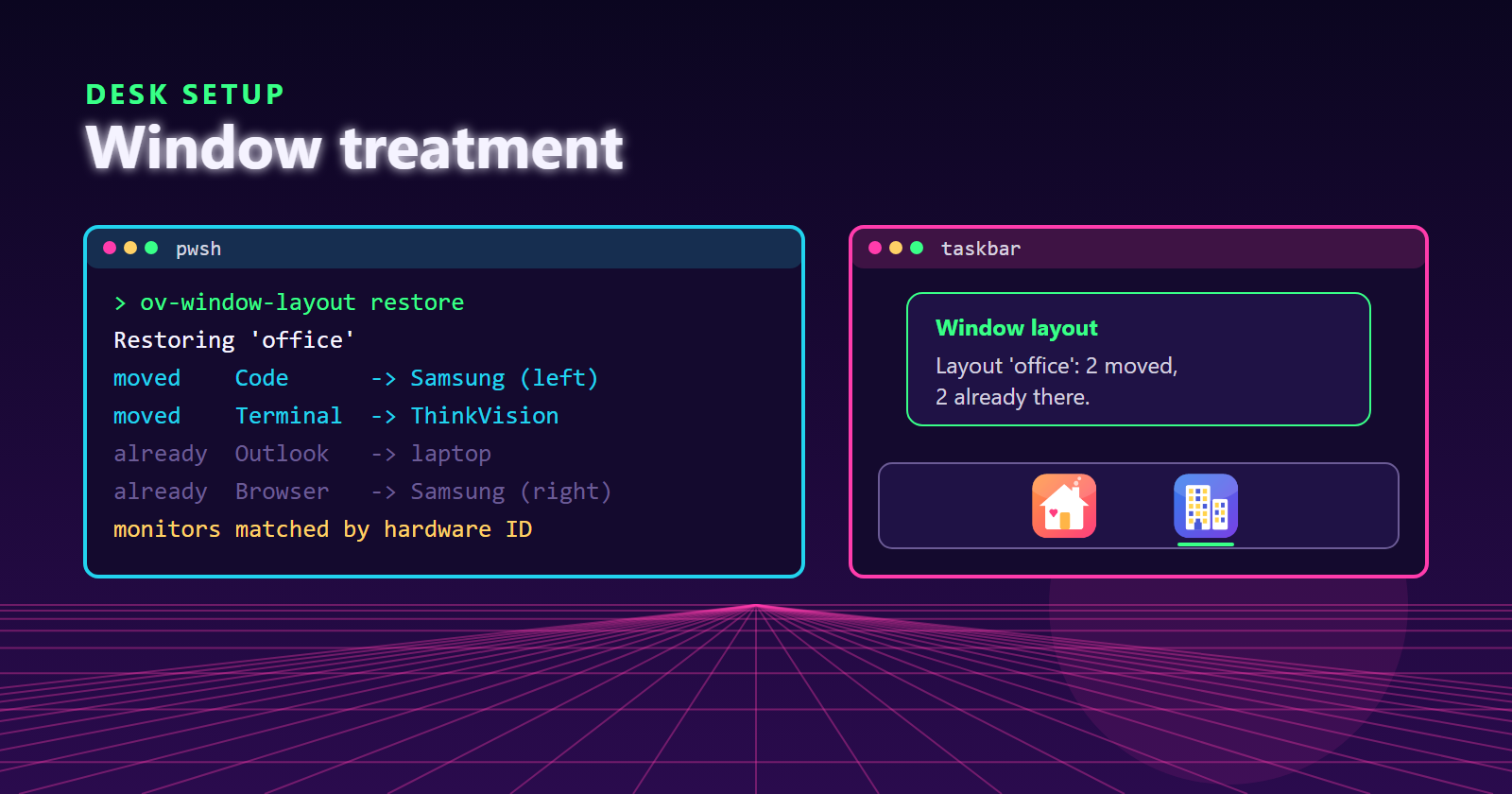
I gave up on DisplayFusion and had Claude build a PowerShell script that saves where my windows go at each desk and puts them back with one taskbar click.
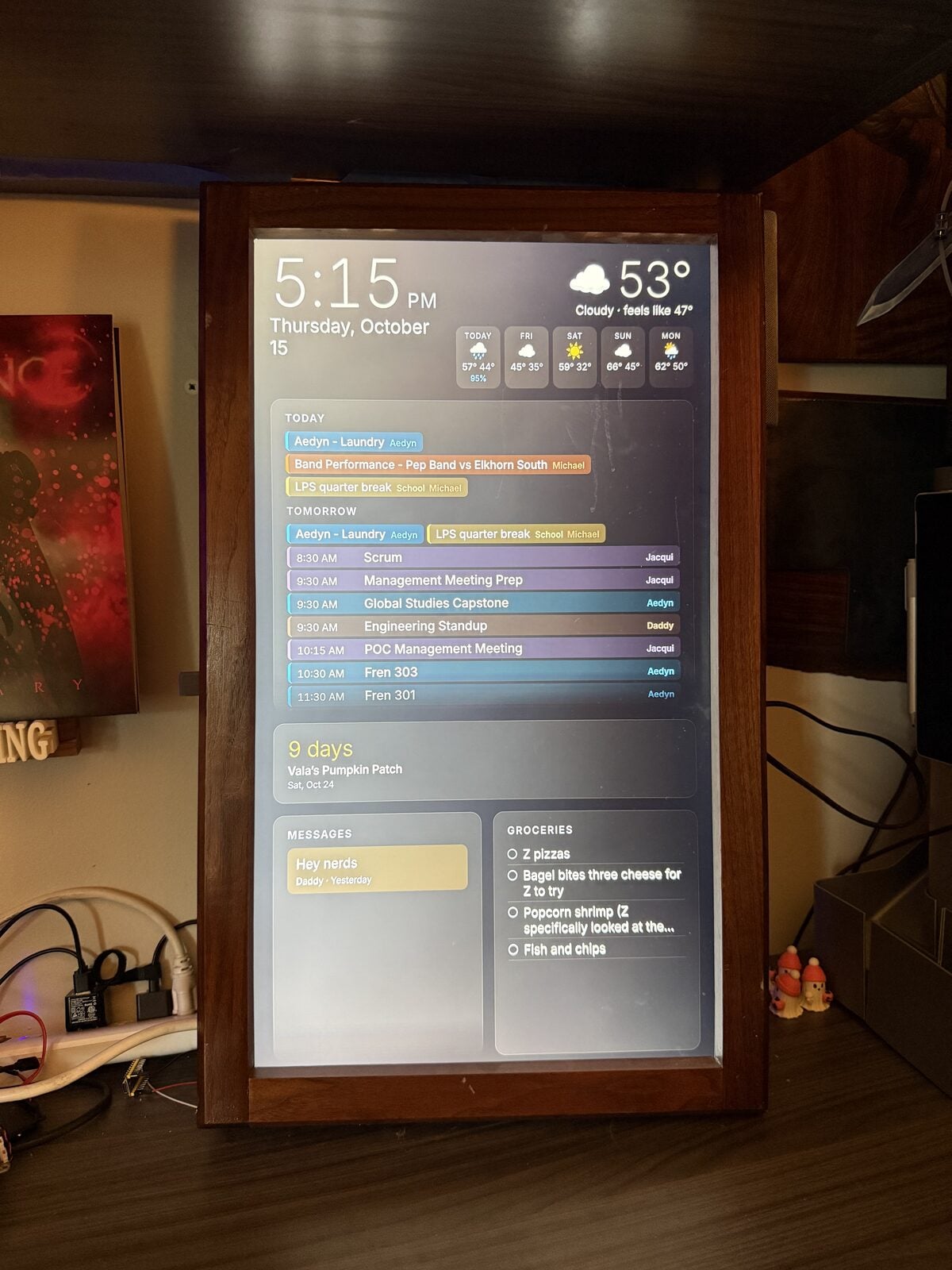
The family wall calendar is on the wall: a 4K screen in a wood frame with a NUC inside. Everything it does, how it's built, and the code on GitHub.
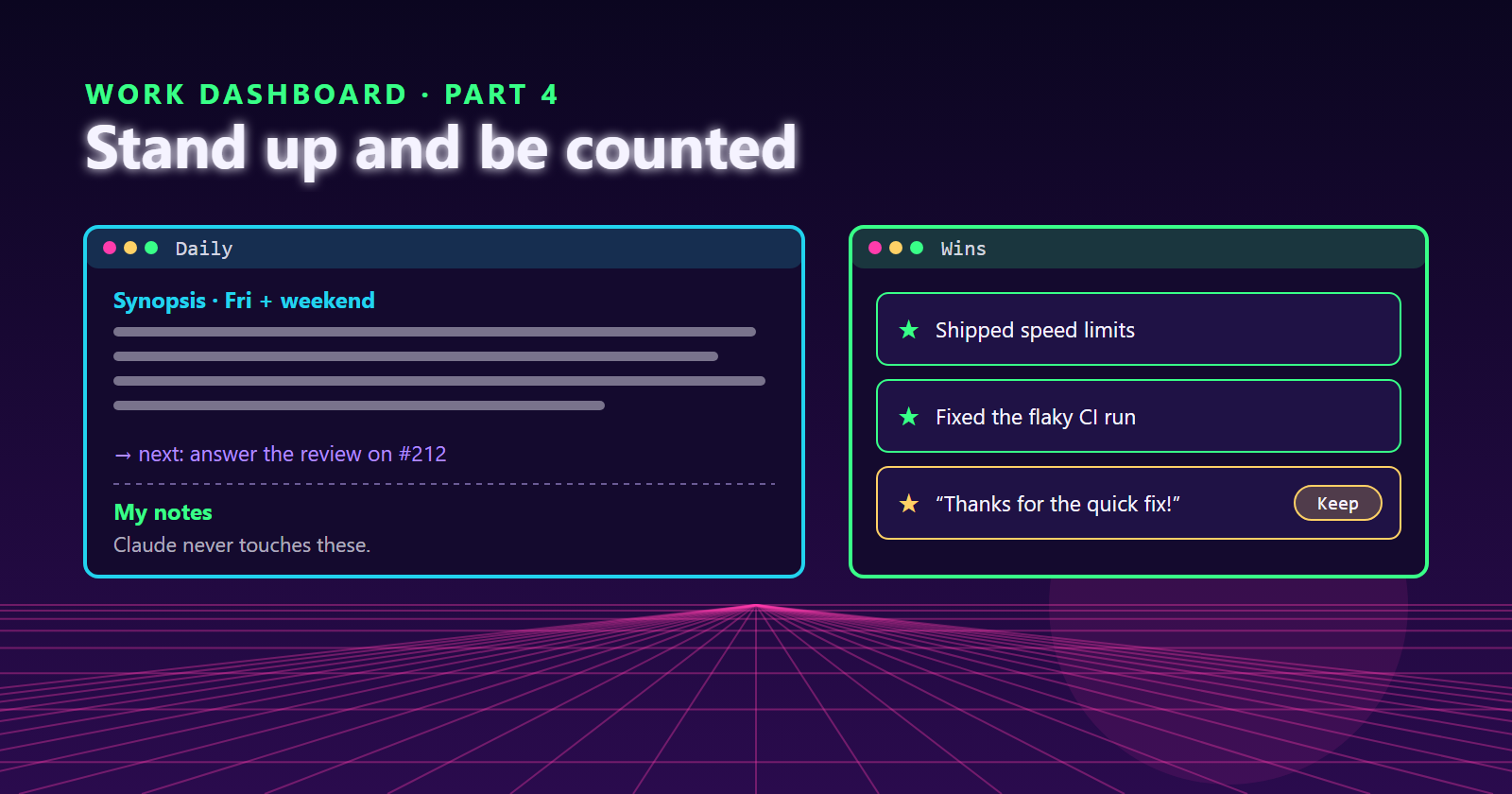
How my work dashboard writes my standup notes for me, gets them onto my iPhone, and keeps a list of wins for review time.
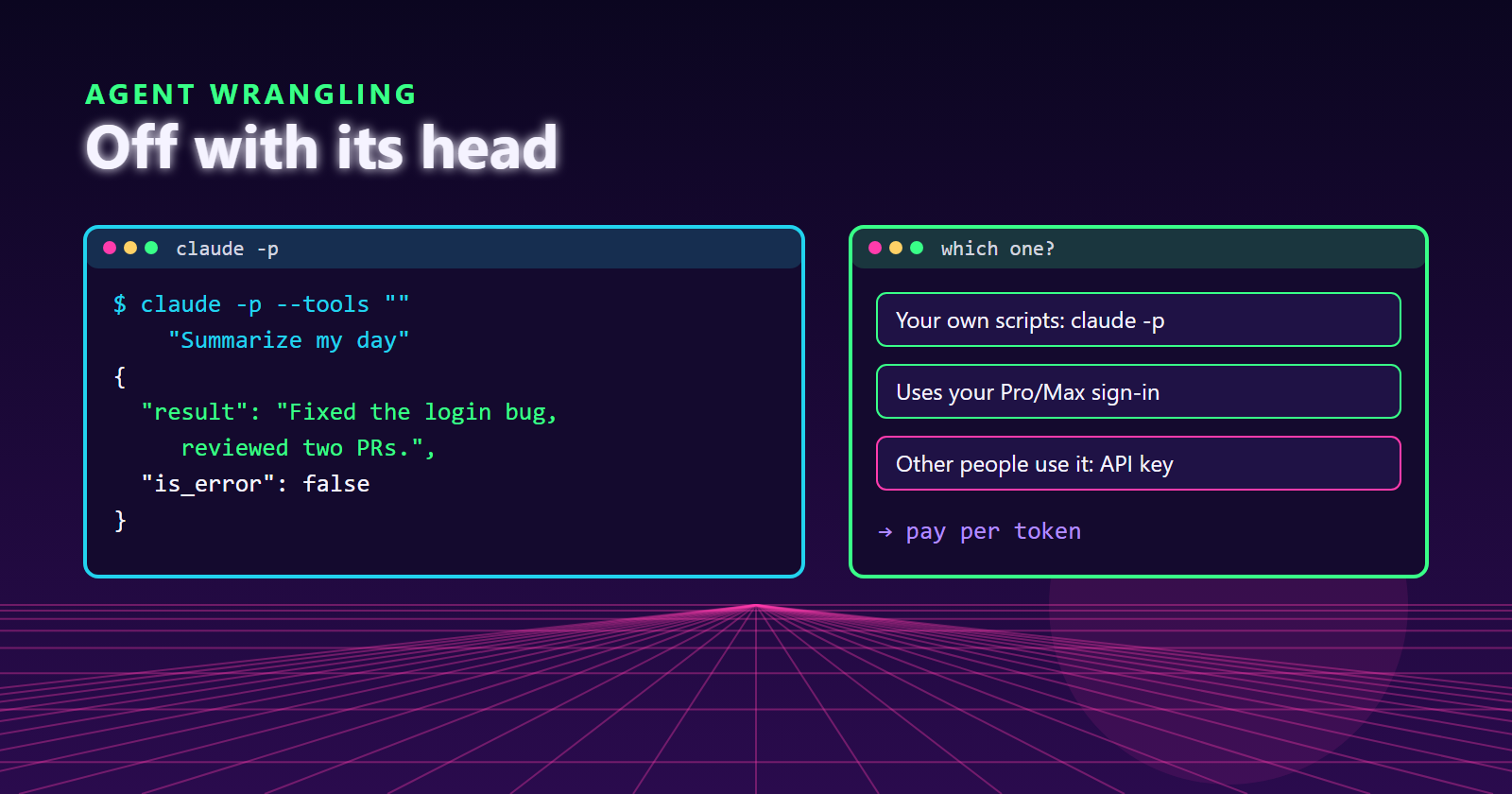
If you have Claude Pro or Max, a script on your own computer can use claude -p and your normal sign-in instead of an API key. How it works, and when to use the API anyway.
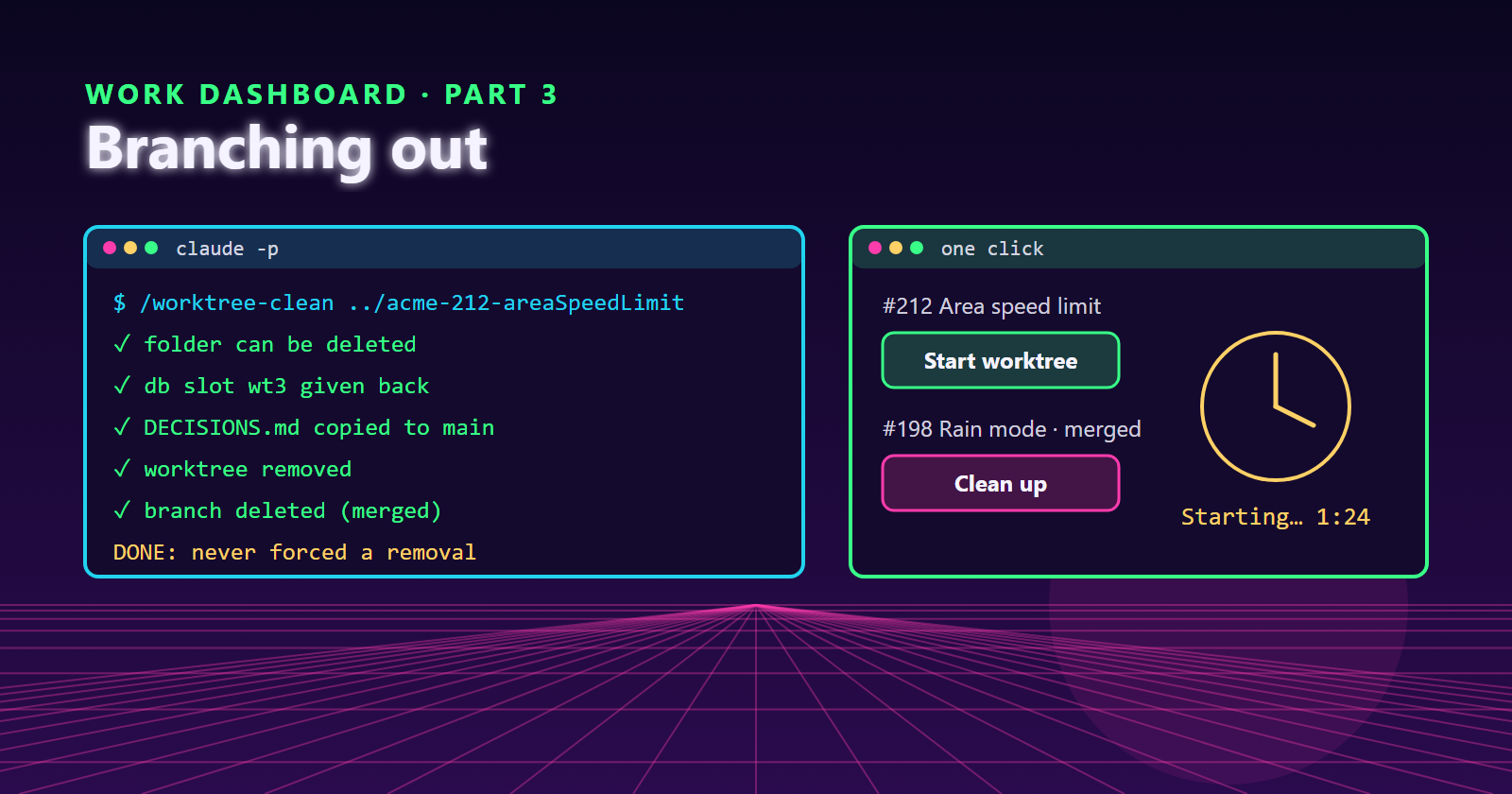
How my work dashboard starts and cleans up git worktrees with one click, by handing the job to Claude Code and my own slash commands.
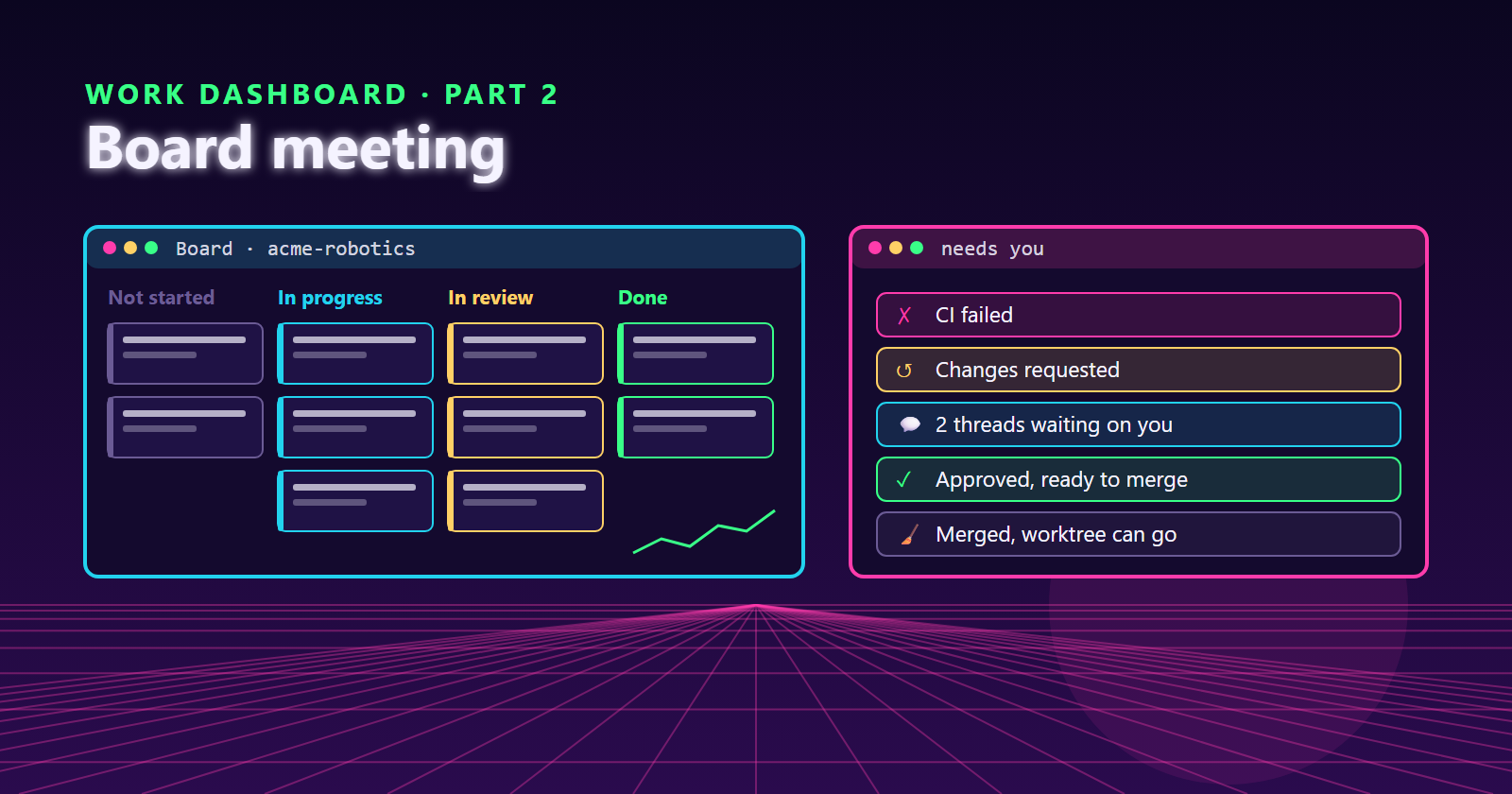
A tour of the Board tab on my work dashboard: one card per piece of work, a "Needs you" list, Claude-written TLDRs, and the fixes that made them honest.
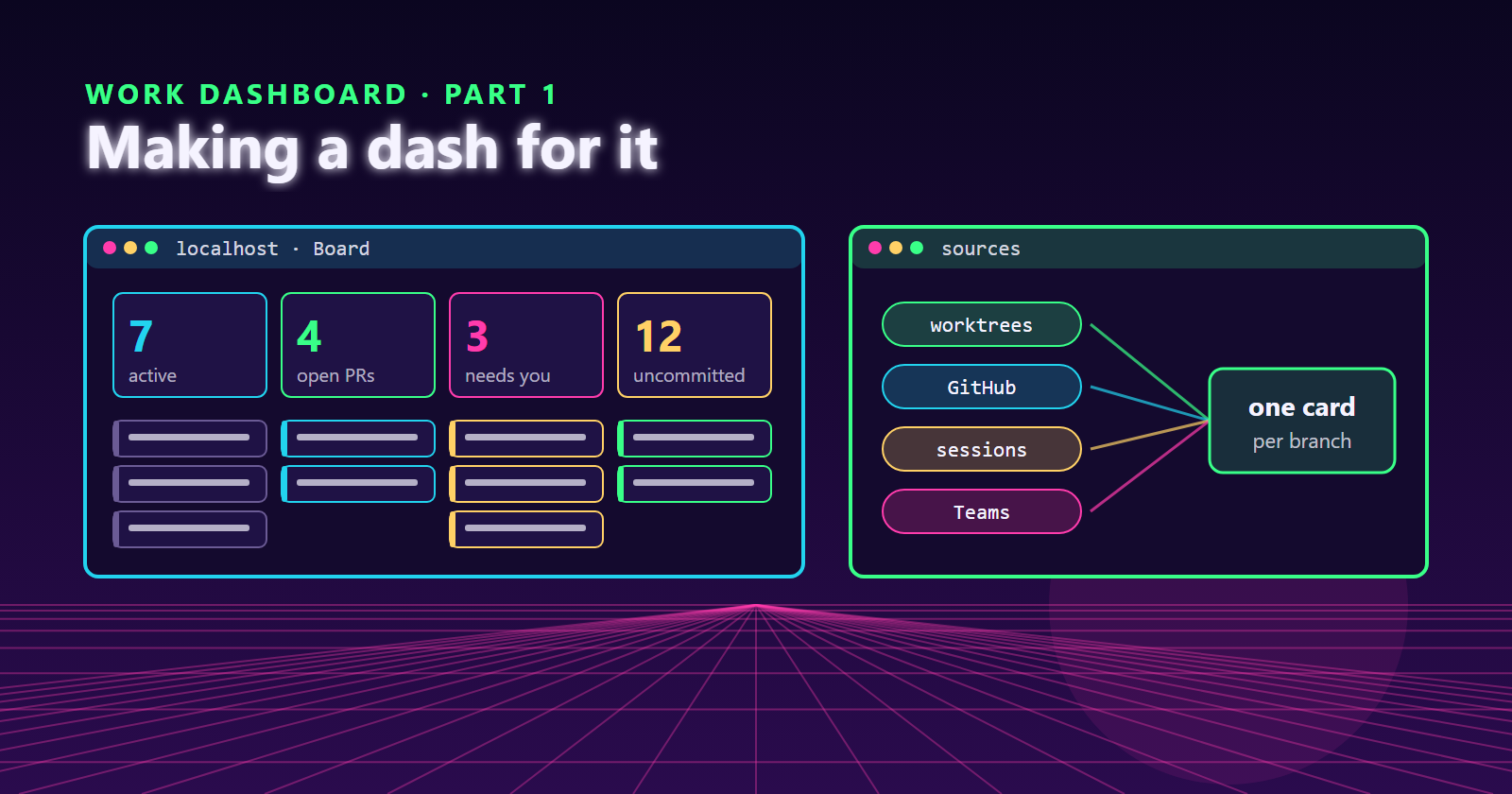
One page on my laptop that shows every issue, branch, pull request, and Claude session I have going. Why I built it, and how each tab came from something that bugged me.
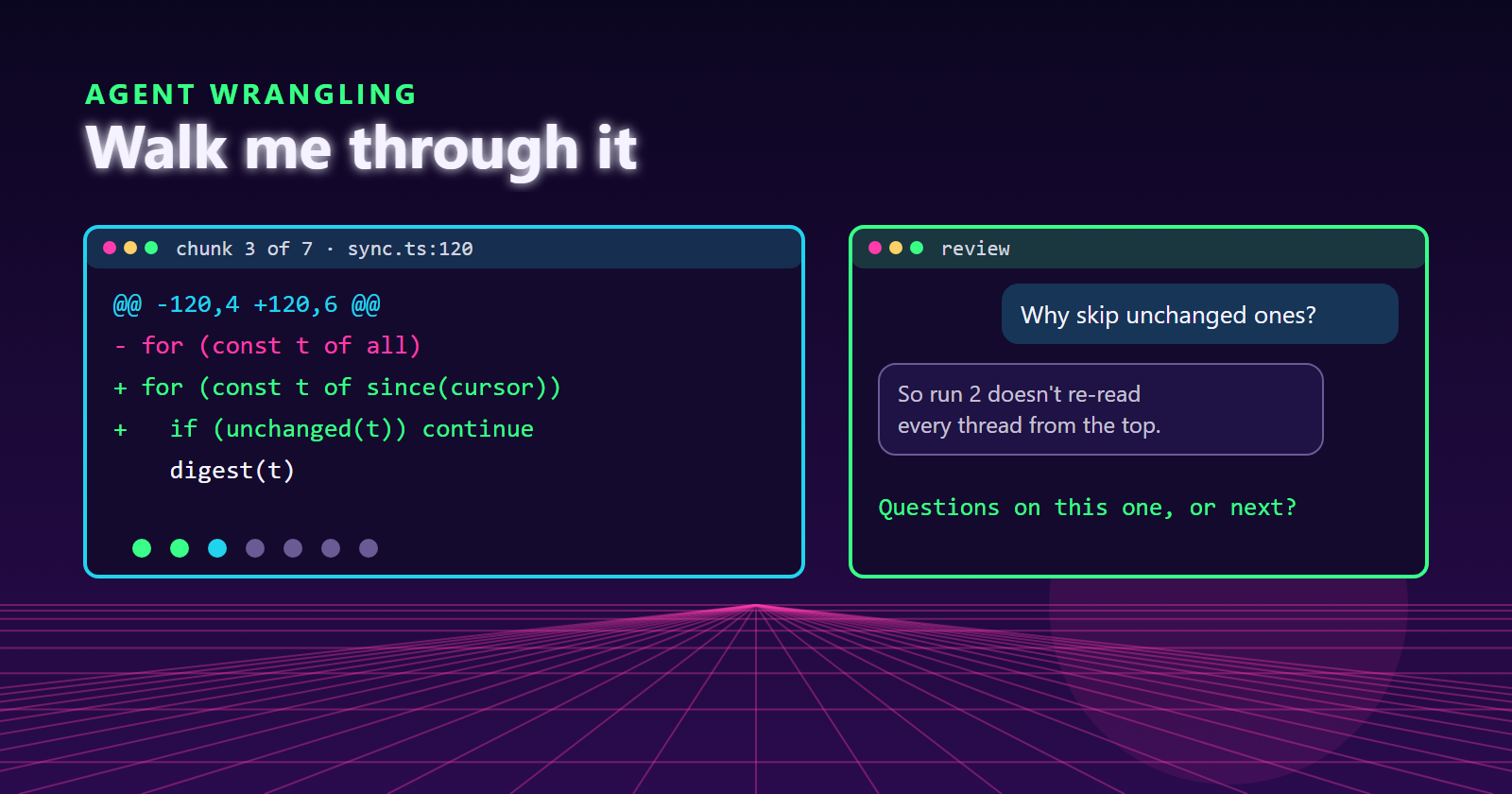
A Claude Code skill that goes through code changes one chunk at a time, with diagrams where they help, and stops for my questions like an in-person review. Now for coworkers' PRs too.
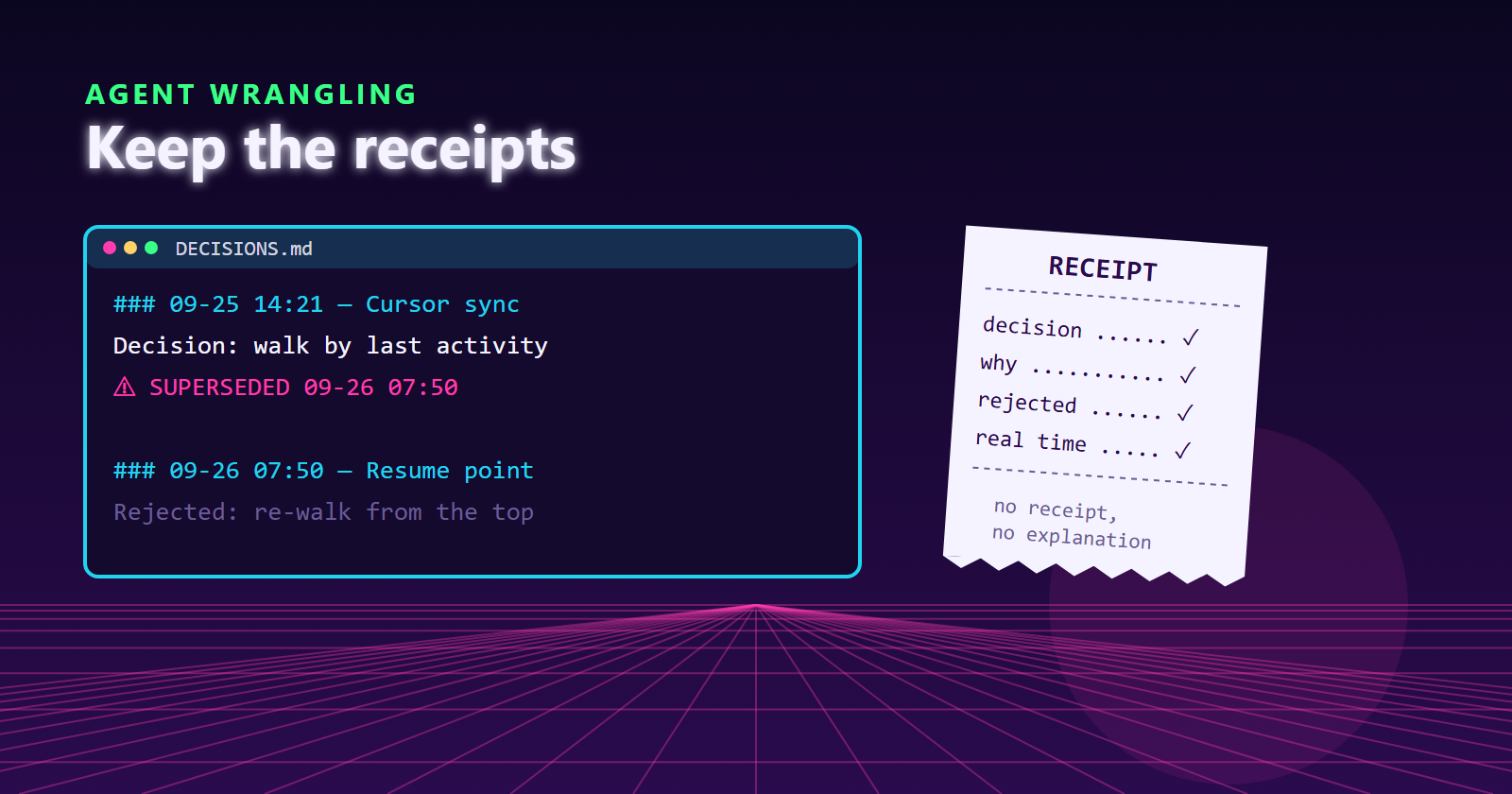
My AI agent writes down every real decision as it works: what it picked, why, and what lost. How that log works, and the rule that keeps it honest.
Getting Claude to make labeled screenshots that prove a backend pull request really ran.
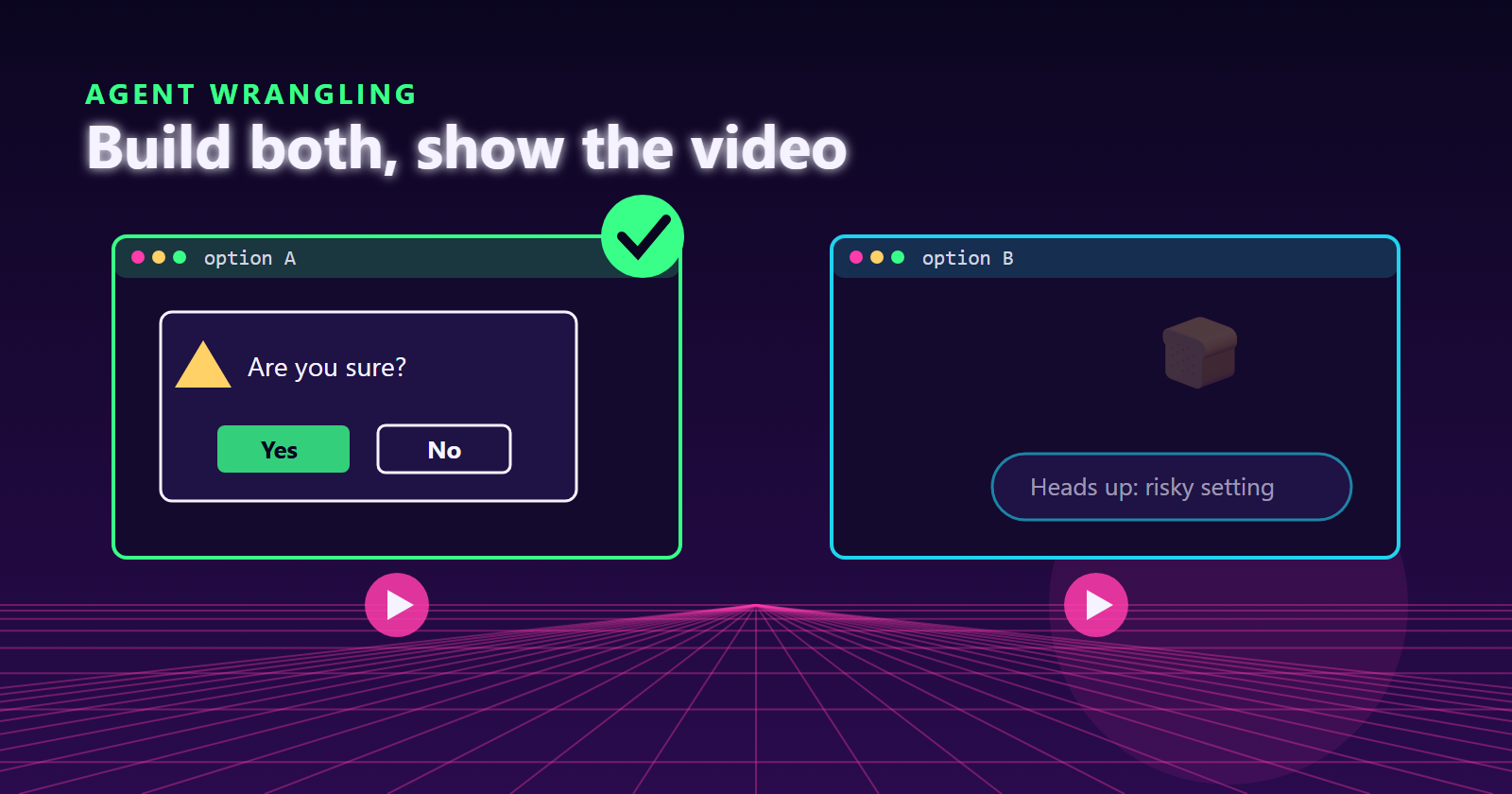
When a design question could go either way, I have Claude build both versions, record a short video of each, and let the team pick. The second version costs almost nothing.
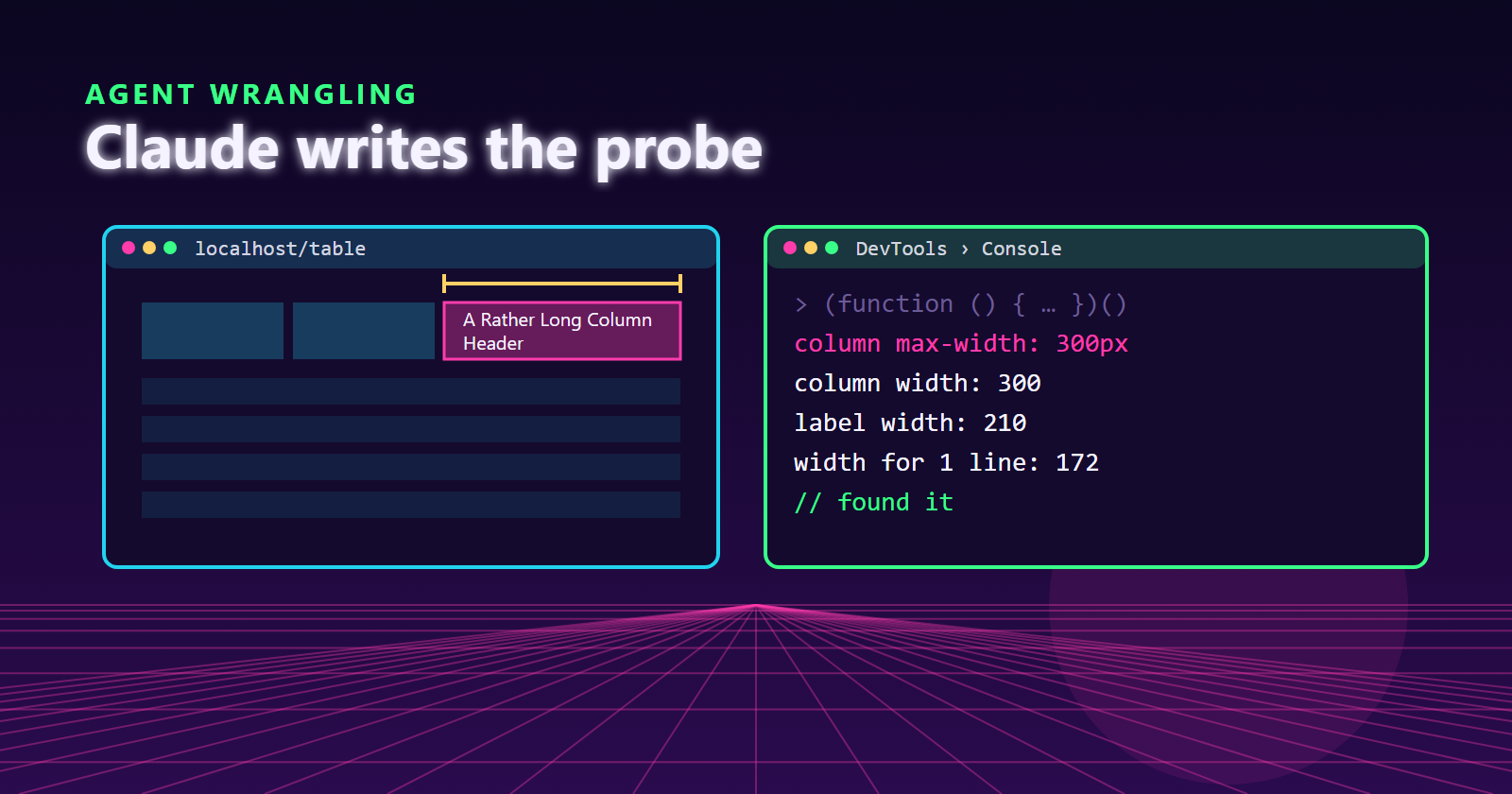
When Claude can't see what's broken, I have it write a small script, I run it, and I paste the output back. Real numbers beat another round of guessing.
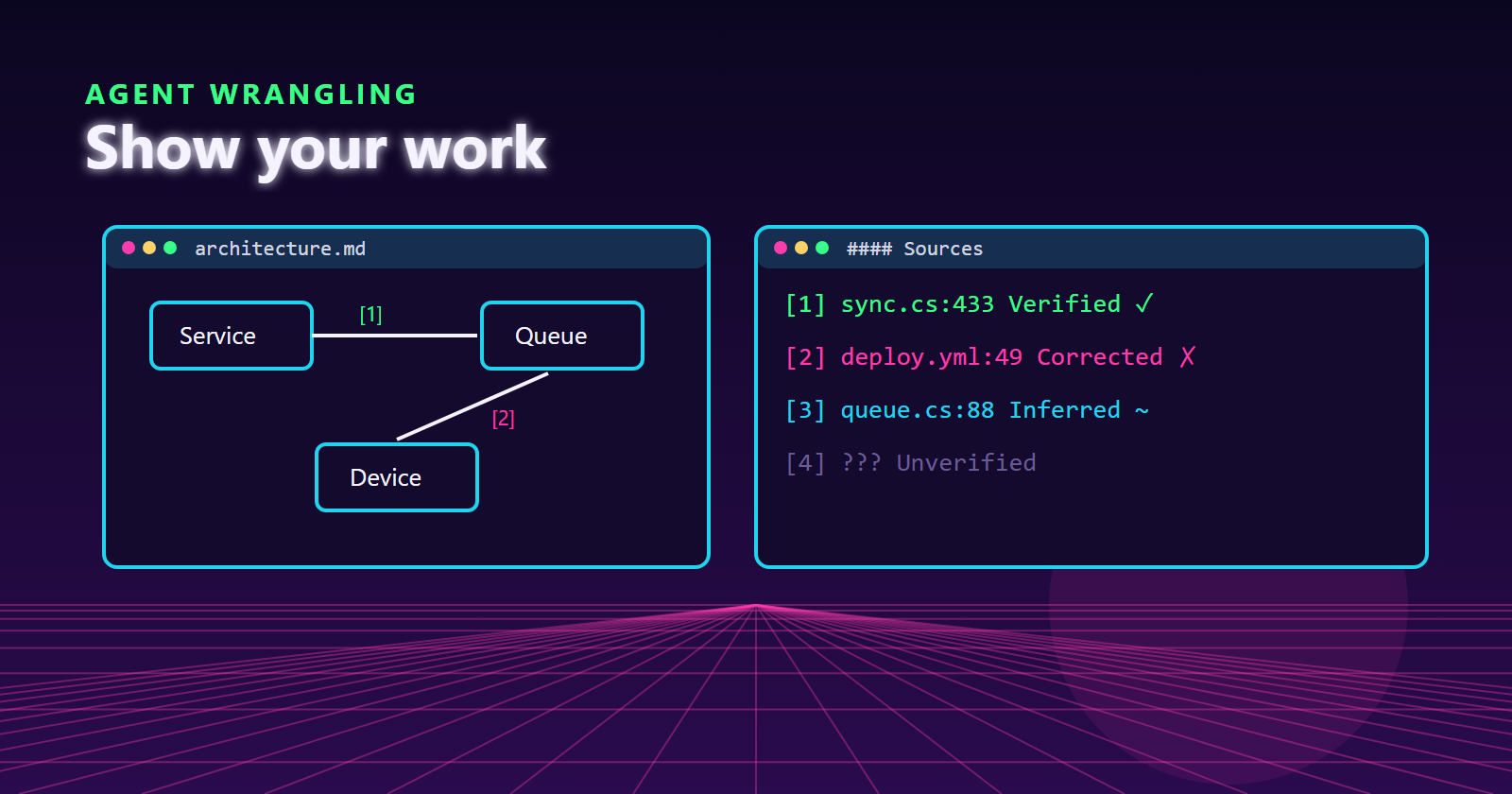
I had Claude add a file and line number to every claim in a set of AI-written architecture docs. About 130 of roughly 1,500 claims turned out to be wrong.
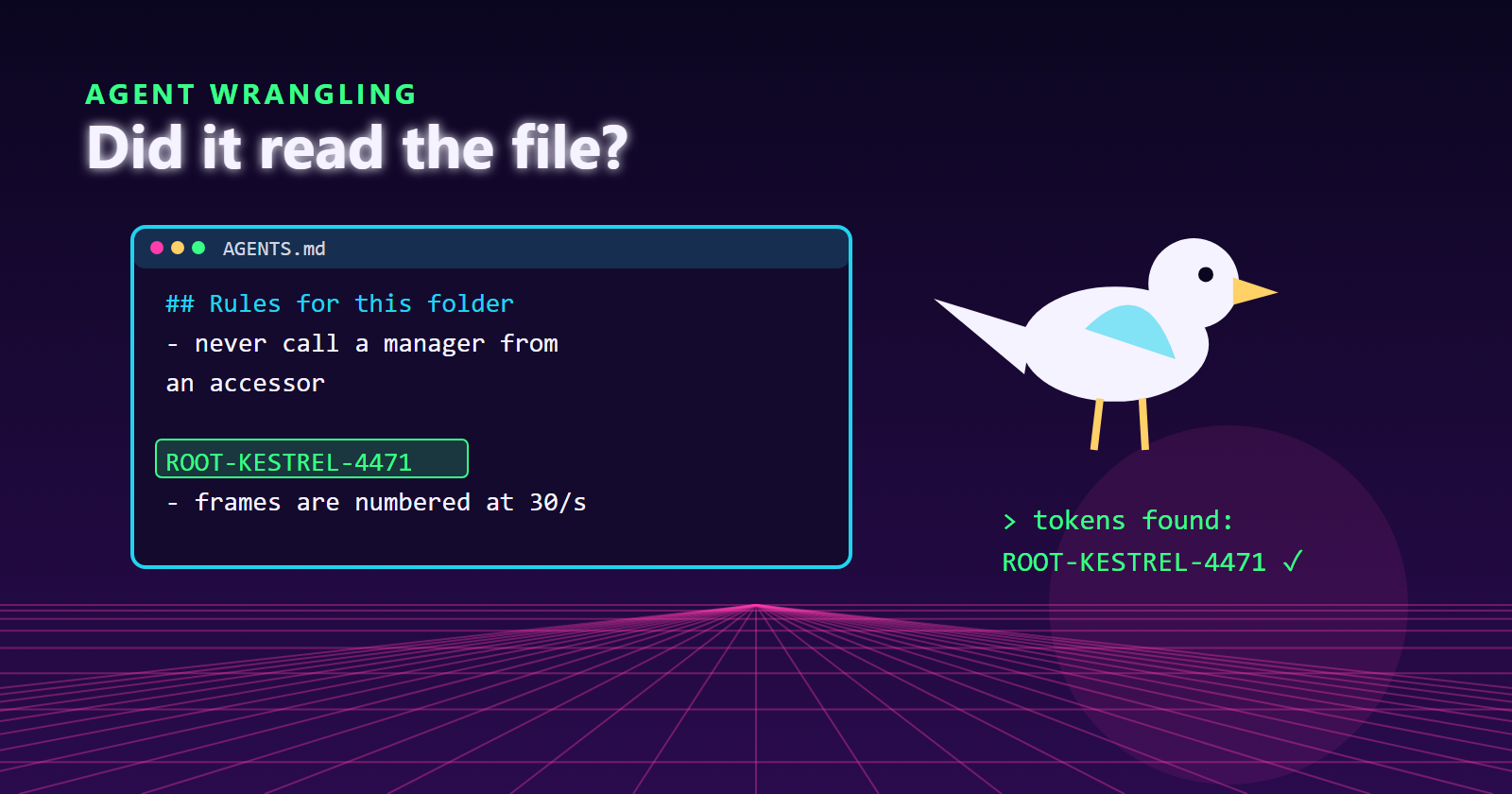
You can't ask an AI agent which instruction files it loaded. Plant a made-up token and see if it comes back. What that showed me about Claude Code and Copilot code review.
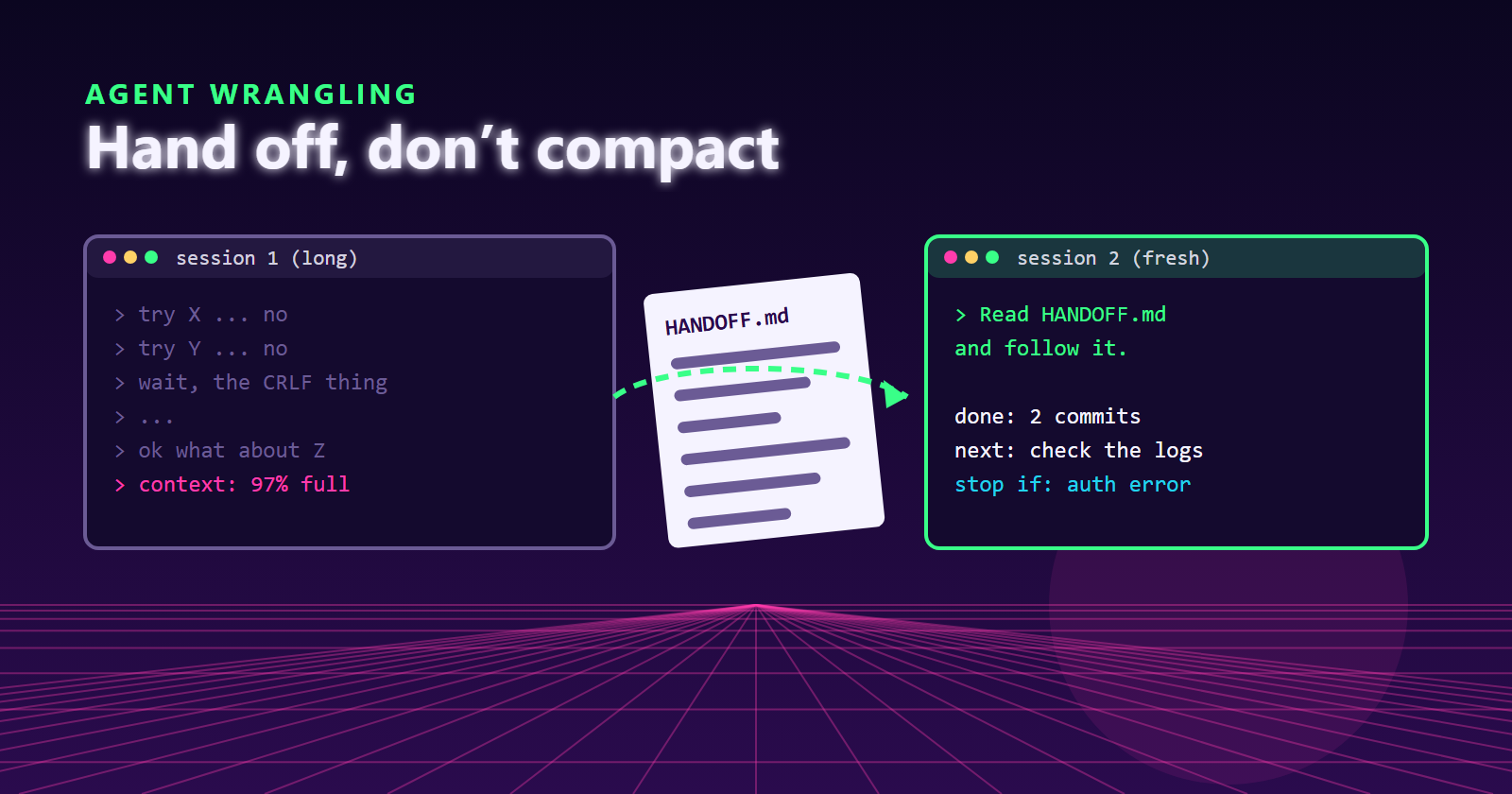
When a Claude Code session gets long, I have it write a hand-off note and start a fresh session, instead of letting it compact. Why that works better for me.
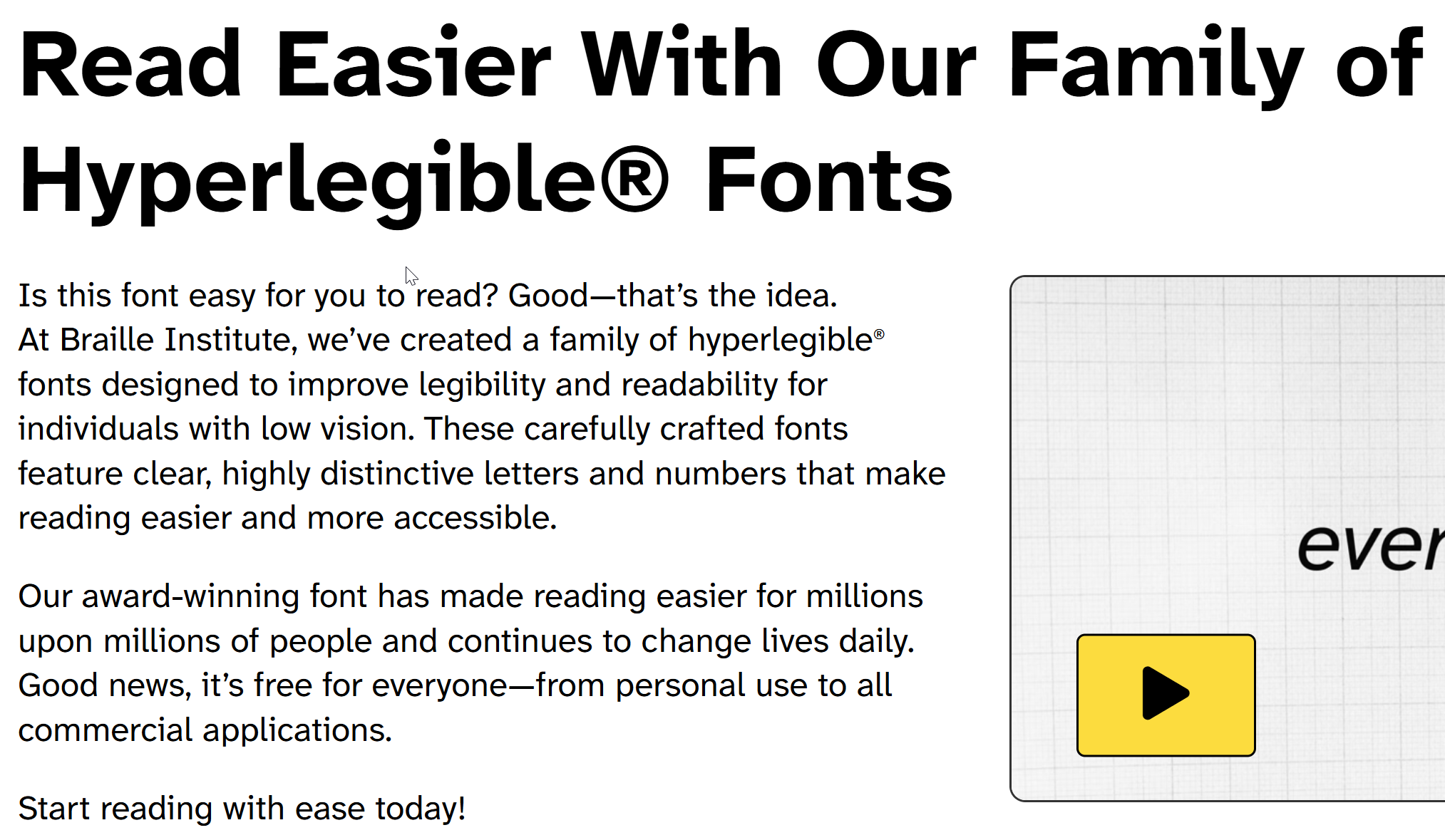
This blog now uses Atkinson Hyperlegible, a free font from the Braille Institute that makes every letter easy to tell apart.
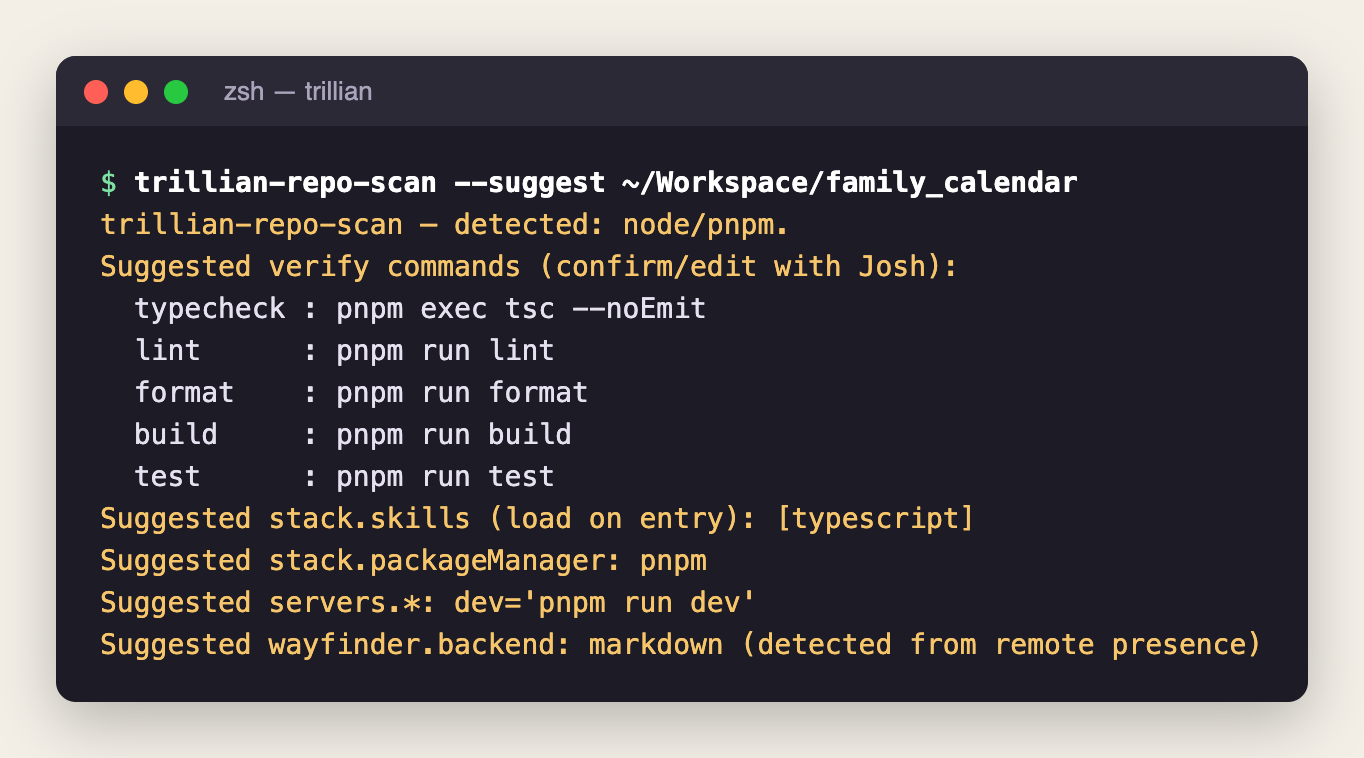
Why I built Trillian: so I would not have to remember what it does. The trigger word, rules it writes for itself, and the habits that make it act without being asked.
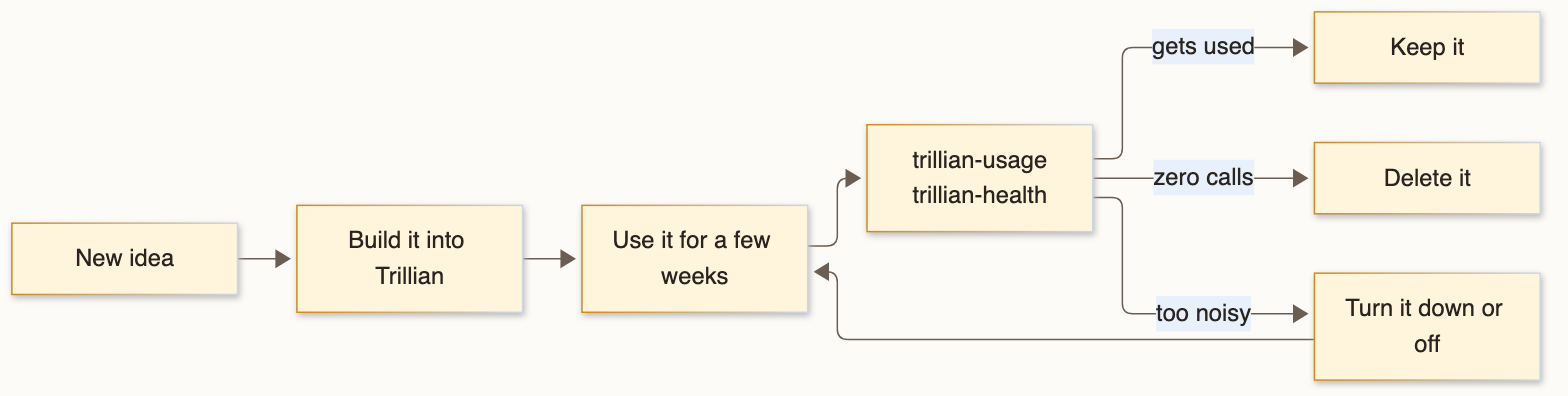
Every skill, server, and hook costs something each session. The two tools that tell me whether the config is accurate and what actually gets used, and what I cut because of them.
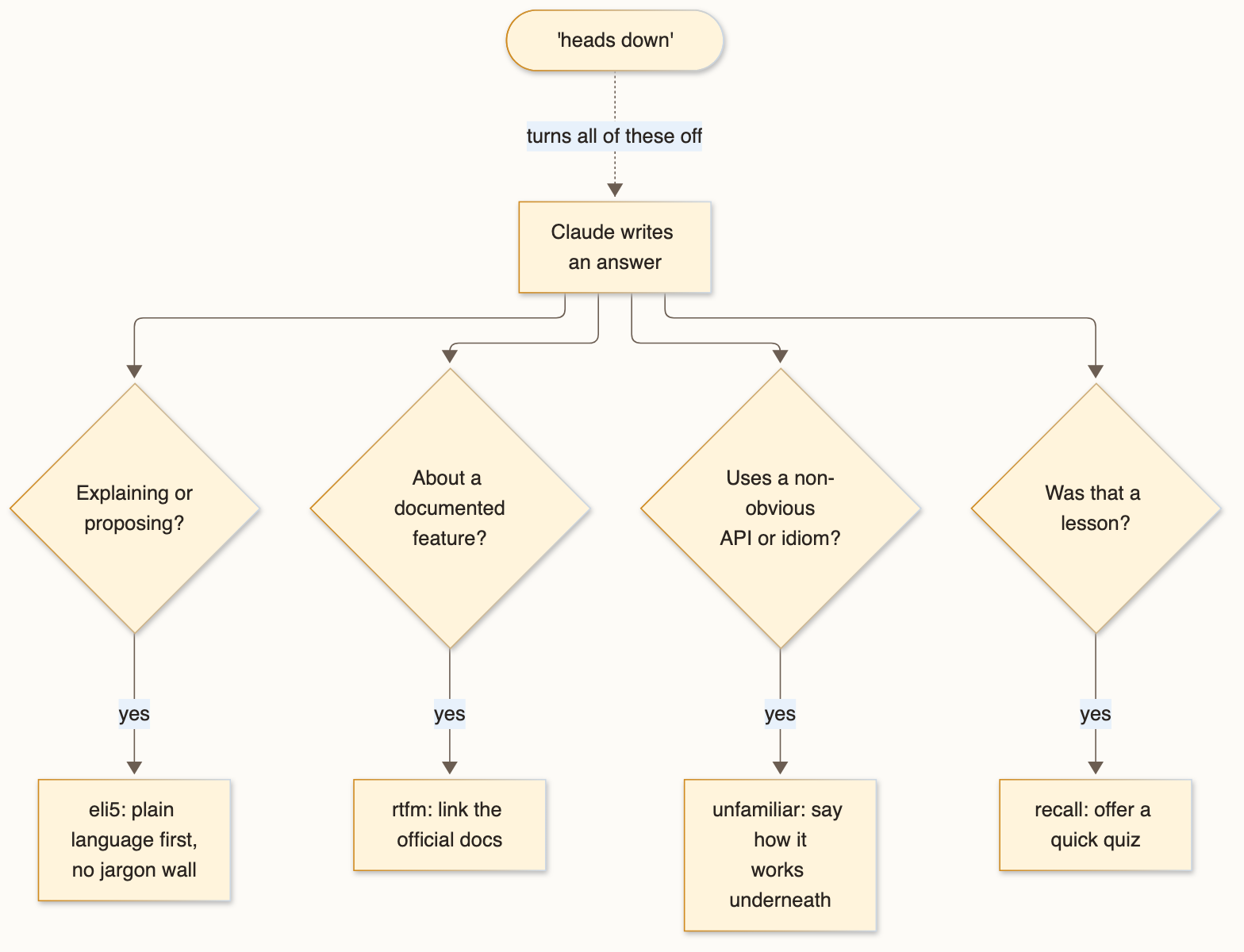
The more the agent does, the less I understand my own code. The learning skills that are on by default in every session, and the push-back rule against a too-agreeable agent.